How to Dispose of Old Company Laptops in Bengaluru
November 17, 2026
Retiring office laptops in Bengaluru? Learn how to erase data, verify the recycler, organise bulk pickup and keep clear disposal records.
Your office is replacing 50 laptops. Facilities wants the old devices collected by Friday. IT needs to ensure company data is safe. Finance wants to know which serial numbers it can remove from the asset register. A pickup date answers only one of those questions.
For corporate laptop disposal in Bengaluru, start with a serial number inventory. Have IT approve how the data will be handled, confirm who will receive the equipment, and agree on the paperwork before pickup. After collection, please ensure that the receiving and processing records match the original inventory. If your organisation qualifies as a bulk consumer under India’s e-waste rules, confirm that the waste will go to a registered producer, refurbisher, or recycler.
1. Build the laptop list before requesting a quote.
Ask IT and Finance to work from a single list. Record the asset tag, laptop serial number, office location, condition, and proposed outcome for each device. Note the presence, absence, or fault of the storage drive. If a drive has been removed, then make it a separate item and link it to the laptop where possible.
Separate different laptops that may be suitable for internal reuse or approved refurbishment from those being discarded as e-waste. Identify leased or returnable equipment. This enables procurement to obtain like-for-like quotes and gives finance a record that can be reconciled to the asset register.
Let’s take a hypothetical example: A Whitefield office is retiring 50 laptops over 3 floors. Four remain in service and will be used internally. Two have failed drives and require a separate security decision. The pickup list should have 46 laptops, with the two exceptions flagged. The internal register should explain what happened to all 50 laptops.
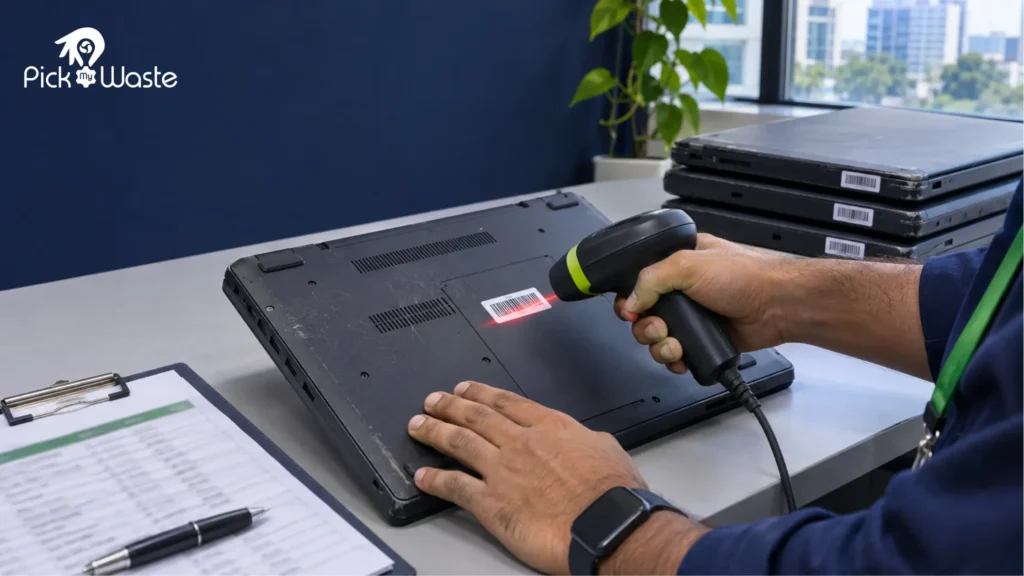
Scan each laptop’s asset tag and match it to your inventory before pickup.
2. Verify which e-waste rules apply to your business.
Under Rule 3(1)(b) of the 2022 Rules, a bulk consumer includes an entity that has used at least 1,000 units of equipment listed in Schedule I at any point during the relevant financial year. The definition also includes e-retailers. A pickup of 50 laptops does not tell you whether the company meets the definition. Please review the organisation’s use of covered equipment over the year. CPCB’s FAQ also explains that bulk consumers do not need to register on the portal in that capacity.
What the law requires: Rule 8 requires bulk consumers to hand over covered e-waste only to a registered producer, refurbisher, or recycler. If a collection or IT asset disposal partner is arranging the pickup, ask it to identify the registered recipient and explain how the handover will be documented. Using a verifiable registered route is also a sensible procurement practice for smaller businesses. Learn more about the corporate disposal guide in Bengaluru.
3. Have IT approve the data sanitisation plan.
Data sanitisation is the process of making access to the target data infeasible for a defined level of effort. NIST SP 800-88 Revision 2, published in September 2025, provides technical guidance on choosing and managing sanitisation methods based on the sensitivity of the data. Treat it as a technical reference alongside your company’s security policy.
Before release, ask IT or Information Security to:
Confirm what must be backed up or retained, including any records subject to a legal hold.
Identify the storage media and choose an approved method suitable for each drive. A failed drive needs a separate decision if erasure cannot be completed or verified.
Decide whether sanitisation will take place at your office or at an agreed facility. If devices leave with data still present, agree on custody controls and who can actually access them.
Treat any failures or unverifiable items as exceptions and log the result. The core retirement process involves removing the ordinate from company asset and device management systems.
Don’t think that deleting files or seeing a setup screen means the drive has been sanitised. Ask for evidence that identifies the device or drive, the method used and the outcome.
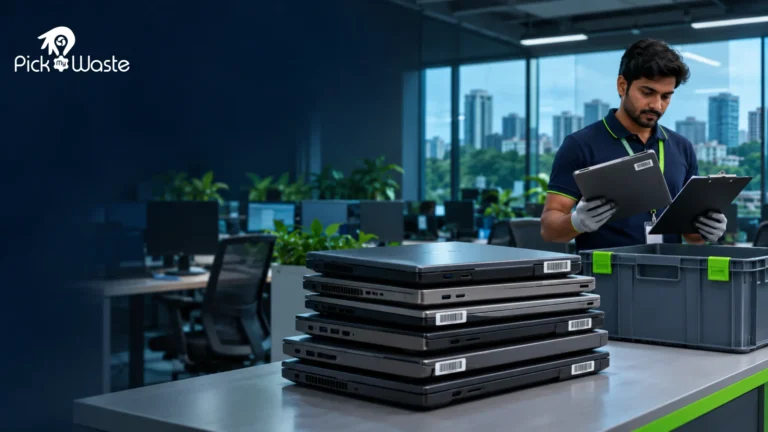
Match each storage drive to its record and document the outcome of data sanitisation before releasing the laptop.
4. Verify the recycler and agree on the paperwork
IT asset disposition (ITAD) is the process of managing retired equipment through steps such as inventory, data handling, reuse assessment and recycling. Different parties may handle collection, sanitisation and final processing. Ask procurement to put those responsibilities in writing so the company knows whom to contact if a device goes missing or a wipe fails.
Ask each vendor the same questions before comparing quotes:
Who receives the equipment? Request the registered entity’s legal name, facility address and registration details. Verify the details through CPCB’s e-waste portal.
Who is responsible for handling the stored data, and where is it stored? Ask how the vendor will report results, including for drives it cannot sanitise.
What records will we receive? Request samples of the pickup acknowledgement, asset list, sanitisation or destruction evidence (where applicable), and final disposition or recycling documentation.
What is included in the quote? Check collection, packing, data handling and documentation. Ask how any recoverable asset value is calculated and shown.
A recycling acknowledgement and evidence of data sanitisation serve different purposes. Agree in advance on which records you need and whether they must identify individual serial numbers.
5. Track the handover and close the asset register.
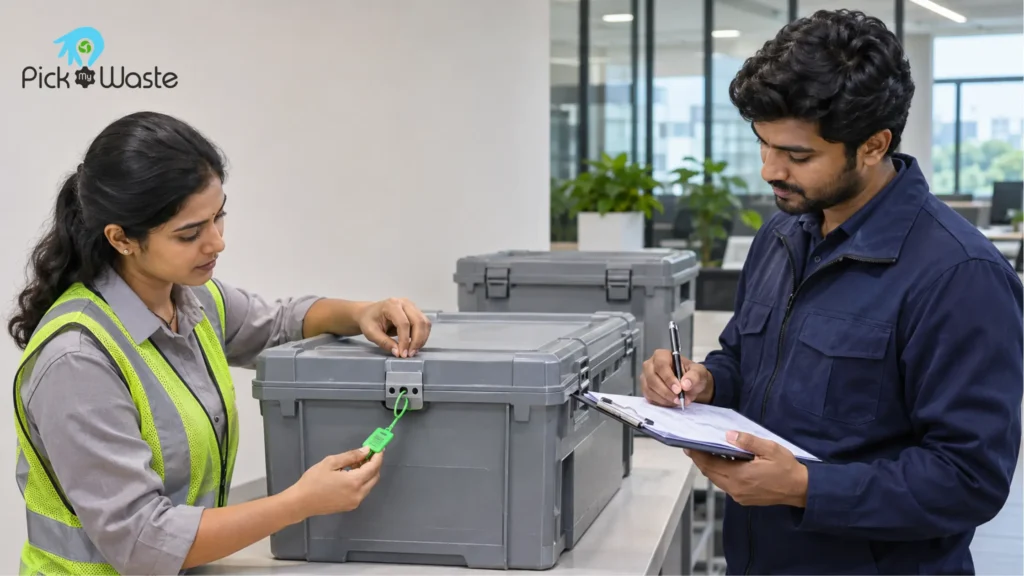
Chain of custody is the record of who held the equipment, where it went and when responsibility changed. Facilities can verify device and package quantities, log seal IDs if used, and receive an acknowledgement identifying both parties at pickup and then hand over the items to the e-waste management company. Please keep the signed pickup list alongside the agreed inventory.
Check the crate seal and keep a signed handover record so your team can trace who collected the laptops and when.
After processing, have IT or procurement match the pickup list against the receiving and final disposition records. If 46 laptops left the office and the final report lists 45, keep the batch open until the missing serial number has been explained. Once the records agree, Finance can update the asset register under its internal policy.
For a straightforward closeout file, keep the approved asset list, signed handover record, sanitisation or destruction evidence where applicable, final disposition report and a note on how any discrepancies were resolved. These records make it easier to answer an audit question months after the pickup.
FAQs about company laptop disposal in Bengaluru
How should we dispose of one old company laptop?
Use the same basic checks as for a batch. Please confirm ownership, record the serial number, have IT approve the data handling, and document who received it. Check the bulk consumer status at the organisation level, even if the current handover is for just one device.
Can we resell or redeploy old company laptops?
Firstly verify the condition, ownership and internal approval. Sanitise appropriately before any kind of release or reassignment. Complete and document each and every device. Laptops discarded as e-waste should go through the applicable registered route to avoid any discrepancies later in the future.
Does every pickup include a data destruction certificate?
When requesting the quote, please ensure to ask for the certificate in writing. Records available may include sanitisation or destruction documentation depending on the service selected and the confirmed scope of work. It is very important to confirm what the document will cover and whether it will identify each device or drive.
Can PickMyWaste collect laptops from multiple Bengaluru offices?
The very first step is to list out the locations and the approximate amounts in detail for each site so that the team can look at the logistics. Before collection, identify any site-related access restrictions, deadlines or data handling requirements. Pickup arrangements and documentation depend on the agreed scope of work.